My Store
For Ipad Tablet Azerty Thai Keyboard With Arabic French Russian Spanish Bluetooth Wireless Keyboard Mouse Android Universal 10"
For Ipad Tablet Azerty Thai Keyboard With Arabic French Russian Spanish Bluetooth Wireless Keyboard Mouse Android Universal 10"
Regular price
$44.64 USD
Regular price
$0.00 USD
Sale price
$44.64 USD
Shipping calculated at checkout.
Quantity
Couldn't load pickup availability
SPECIFICATIONS
Brand Name: QXUZZOFB
Certification: CE
For Ipad 2018: A1893 A1954
For Ipad air 1: A1474-A1475-A1476
For Ipad air 2: A1566 A1567
For all ipad: Yes
For ipad 9.7 2017: A1822 A1823
For ipad pro 9.7: A1673-A1674-A1675
Hign-concerned Chemical: None
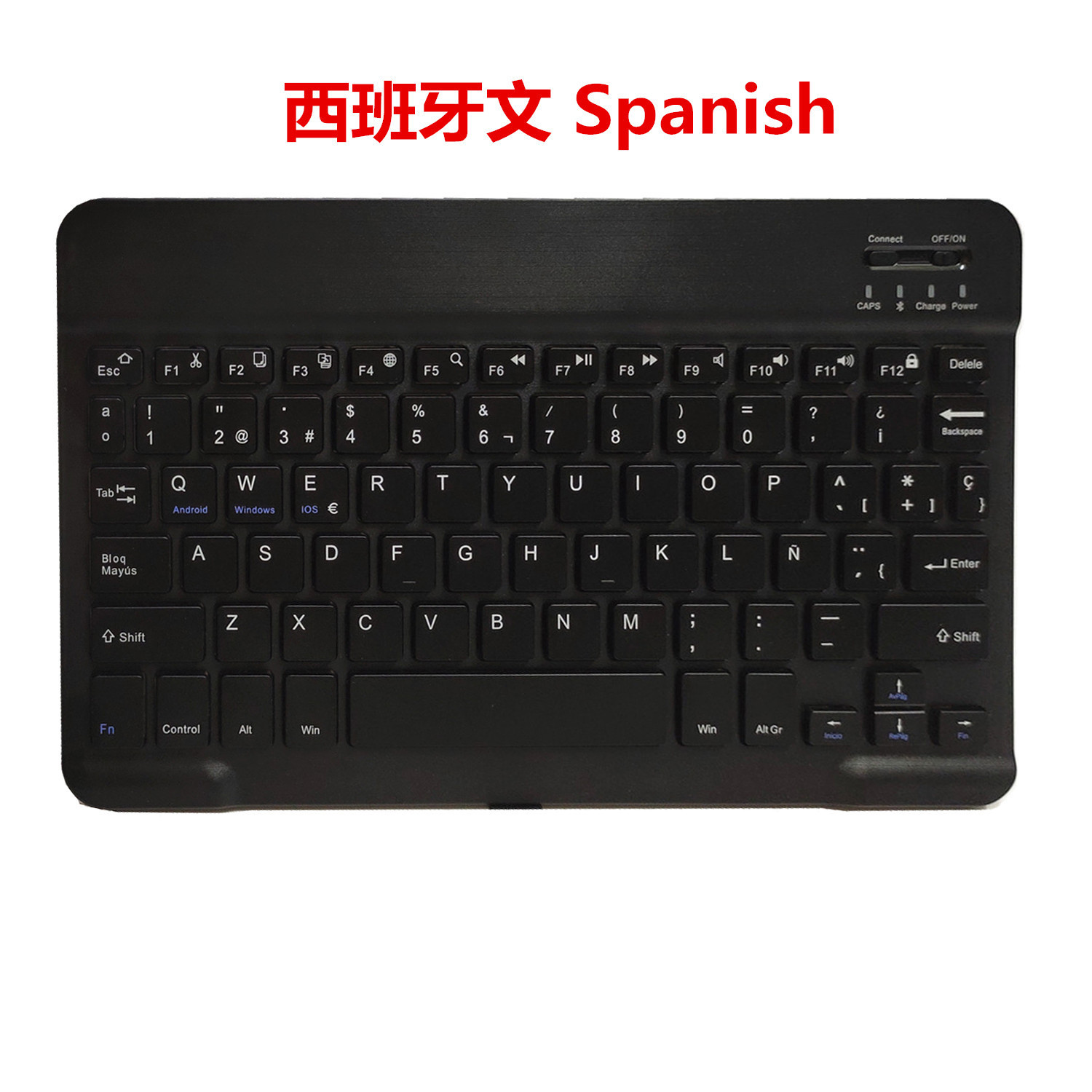
Language: Arabic,Spanish,English,Russian,German,French,Korean
Model Number: KB151
Origin: Mainland China
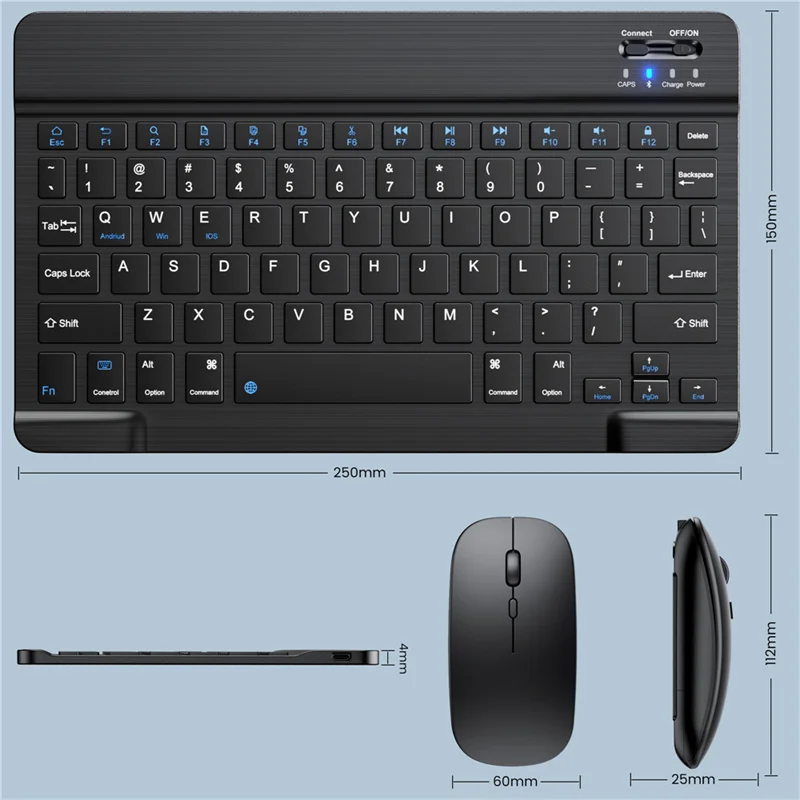
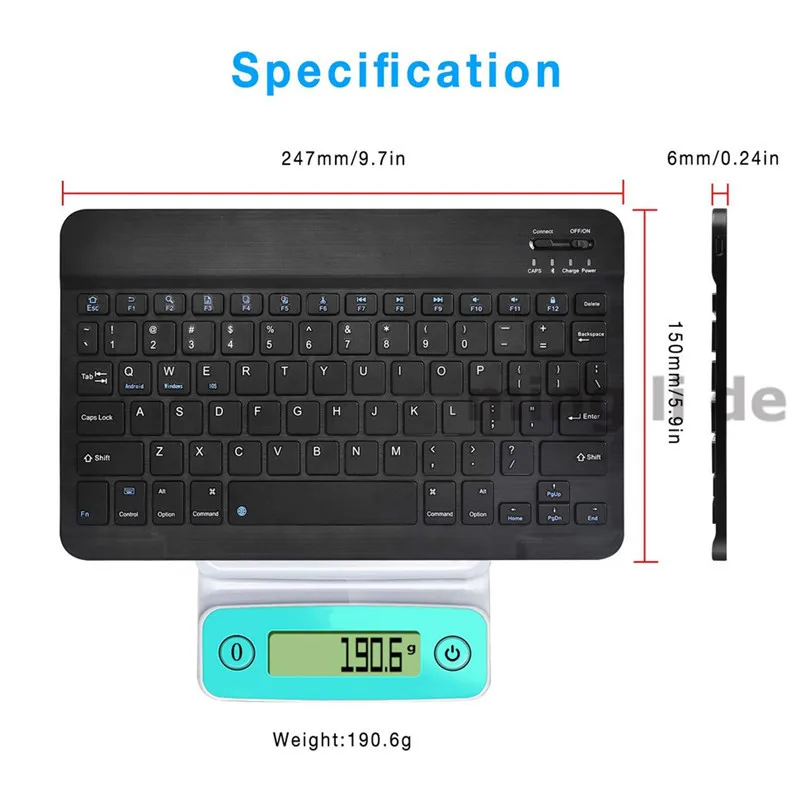
Size: 9.7,24.5*15*0.62cm
10 Inch Bluetooth Keyboard French Spanish Russian Arabic AZERTY Keyboard Wireless Universal For IPad Tablet Pro 9.7 Air Android
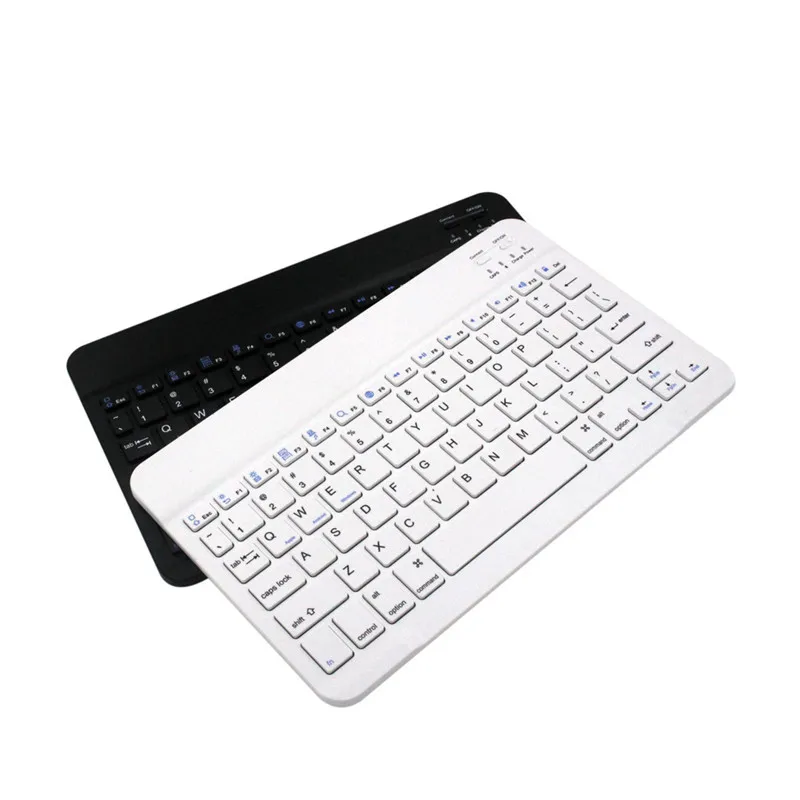
Multilingual bluetooth keyboard
Spanish.French.Russian.Arabic.Korean .Thai.English
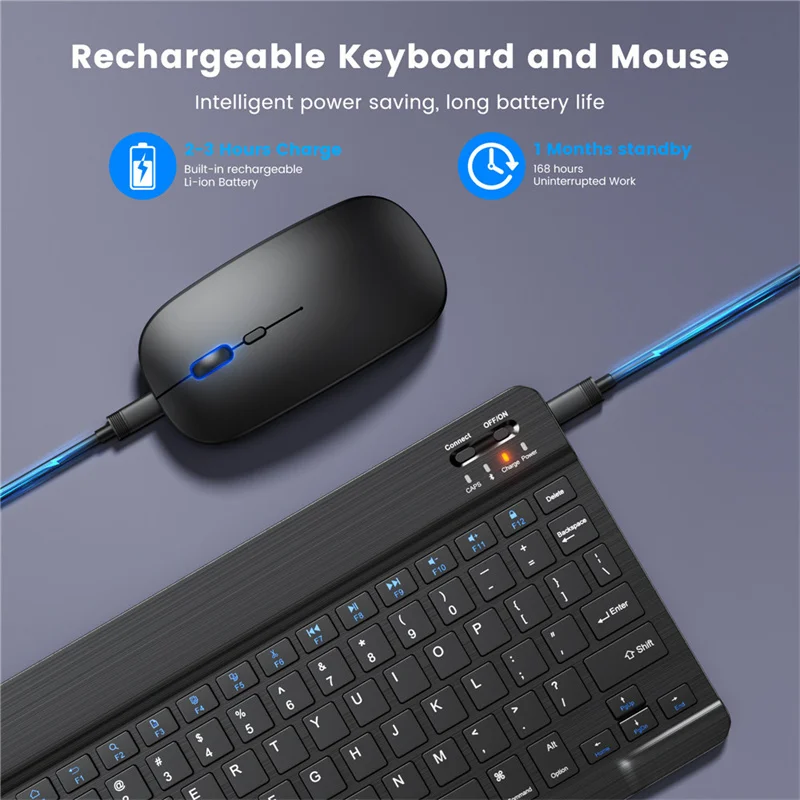
Battery capacity: 150mah built-in
Charging time: 3-4 hours
Working current: 2.5-3.5MA
Sleep current: <0.2mA
Working voltage: 3.7~4.2V (Power by Li-on)
Standby time: 60 days or so
Use distance: within 10 meters
Applicable occasions: use, send friends, give gifts, give promotions to commercial activities, be prizes, employee benefits, etc.
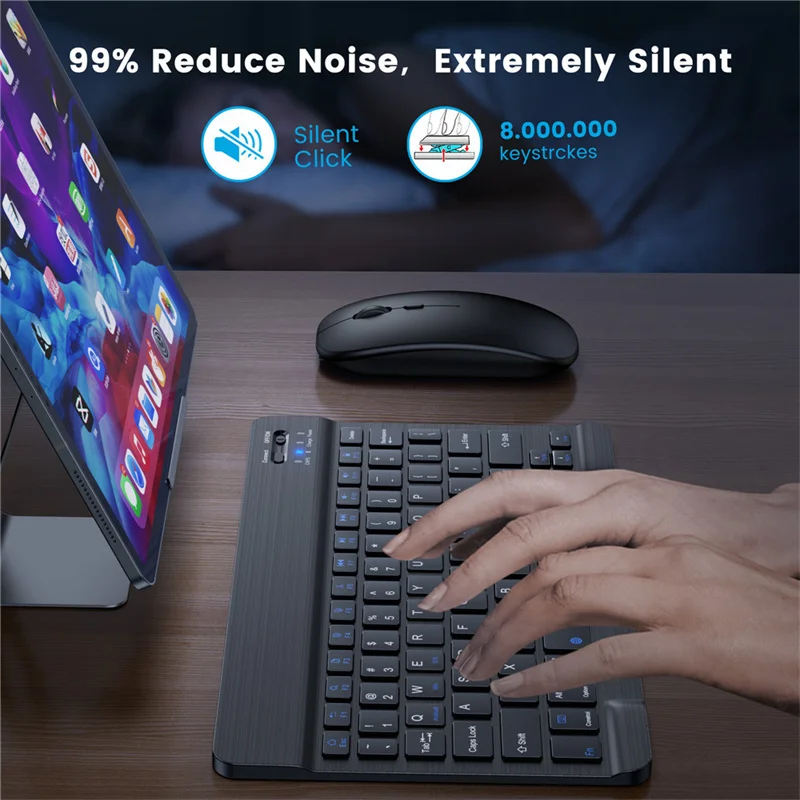
1. Bluetooth 3.0, compatible with 1.0 2.0 3.0 4.0 Bluetooth devices
2. Built-in lithium battery
3. With power switch, you can turn off the power when not in use to save power.
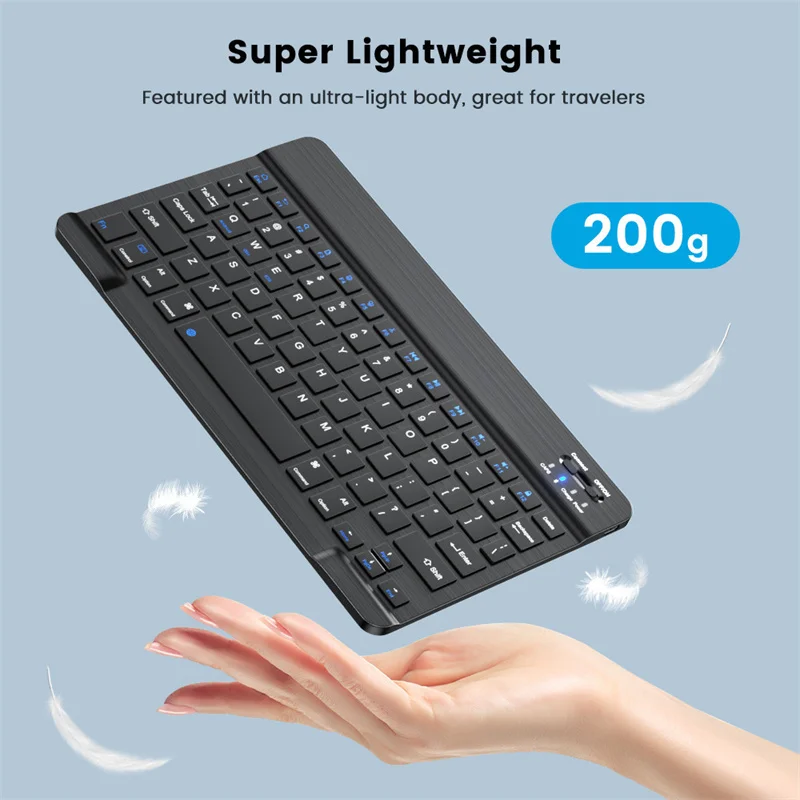
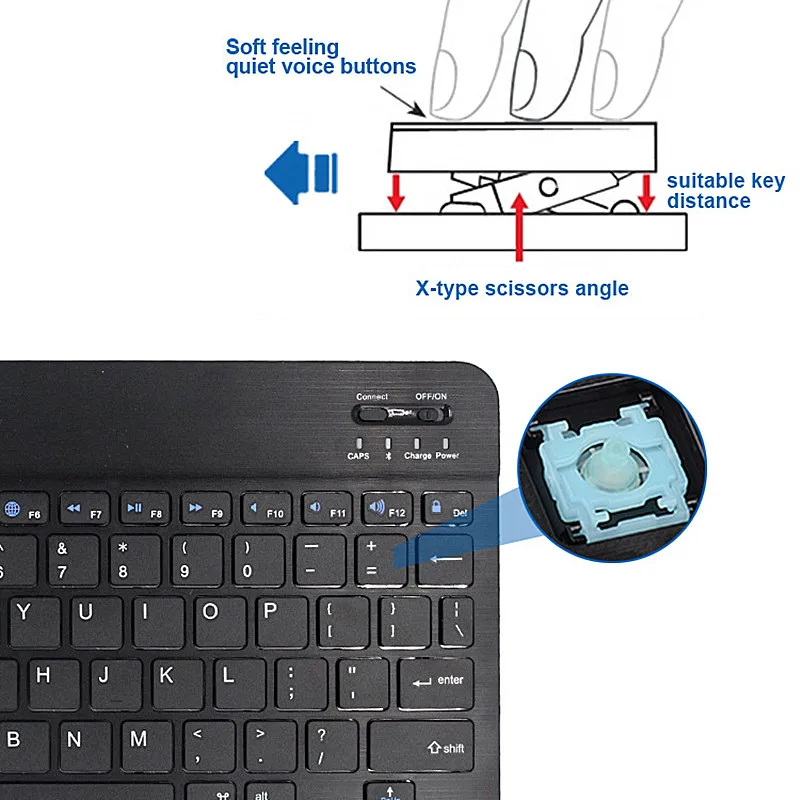
4. Ultra-thin design, body thickness is only 6.7mm
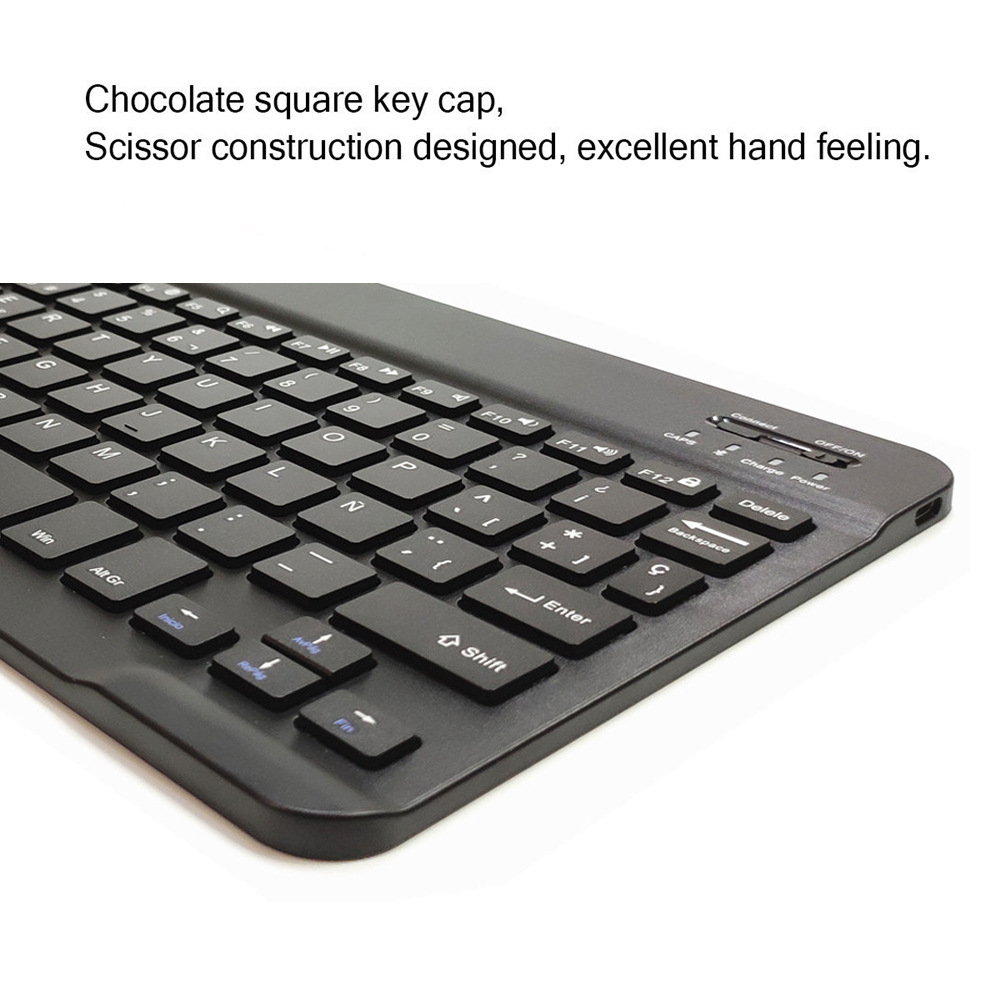
5. The keys use scissor foot structure, the mechanical keyboard feels very good
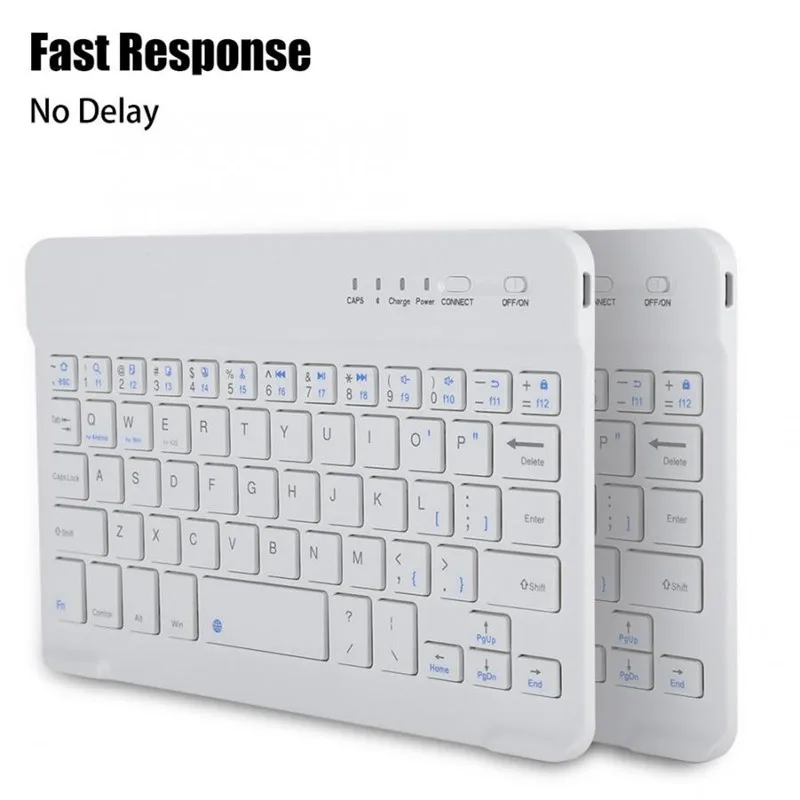
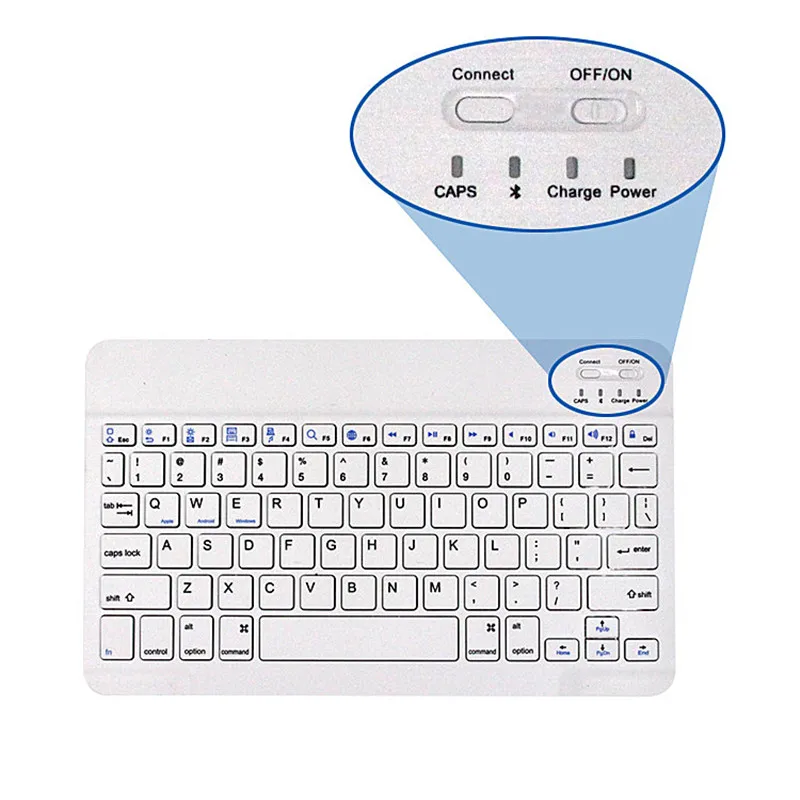
6. 78-key design with 7 multimedia keys
7. Beautiful appearance, fashionable and extremely delicate.
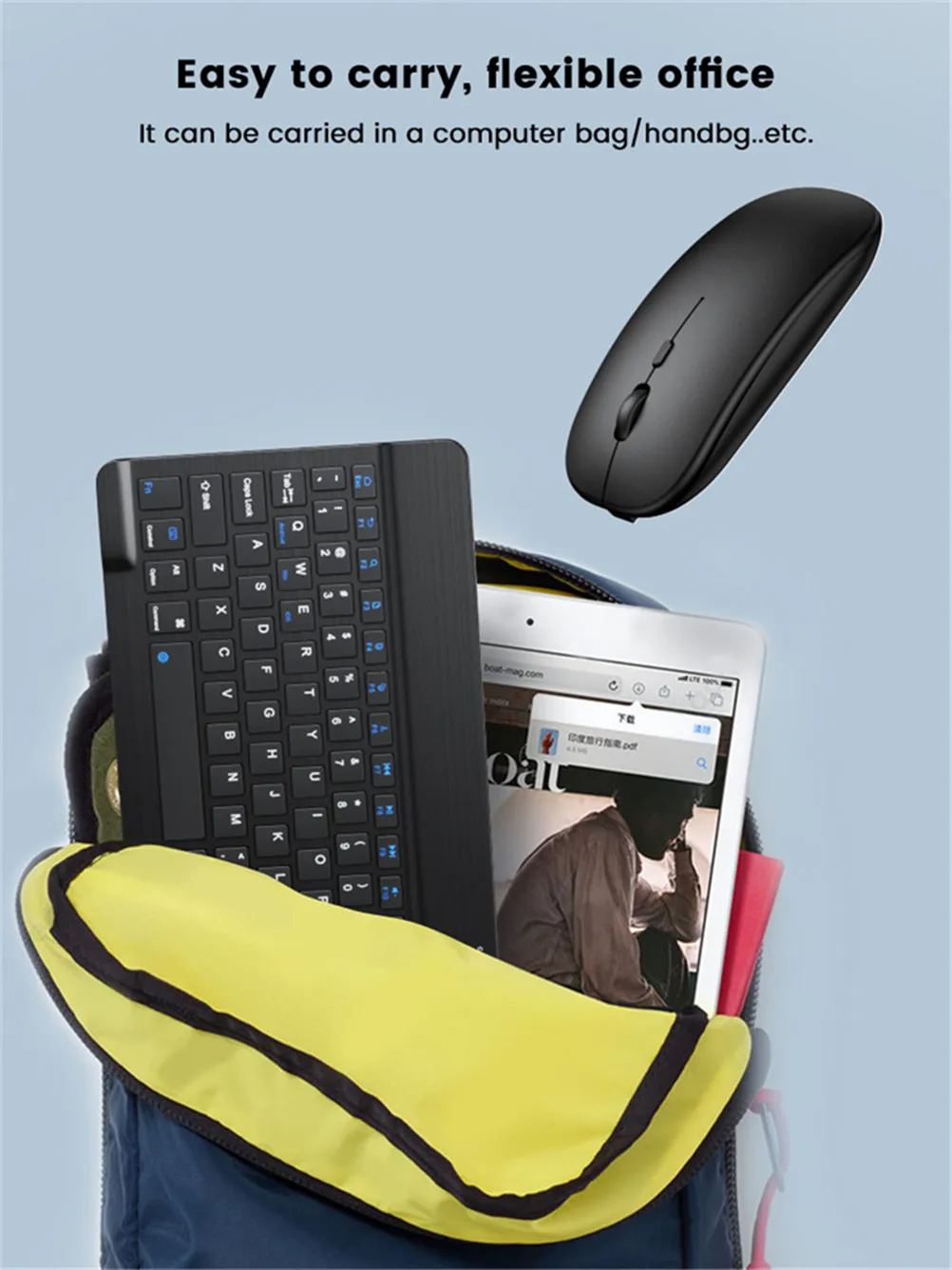
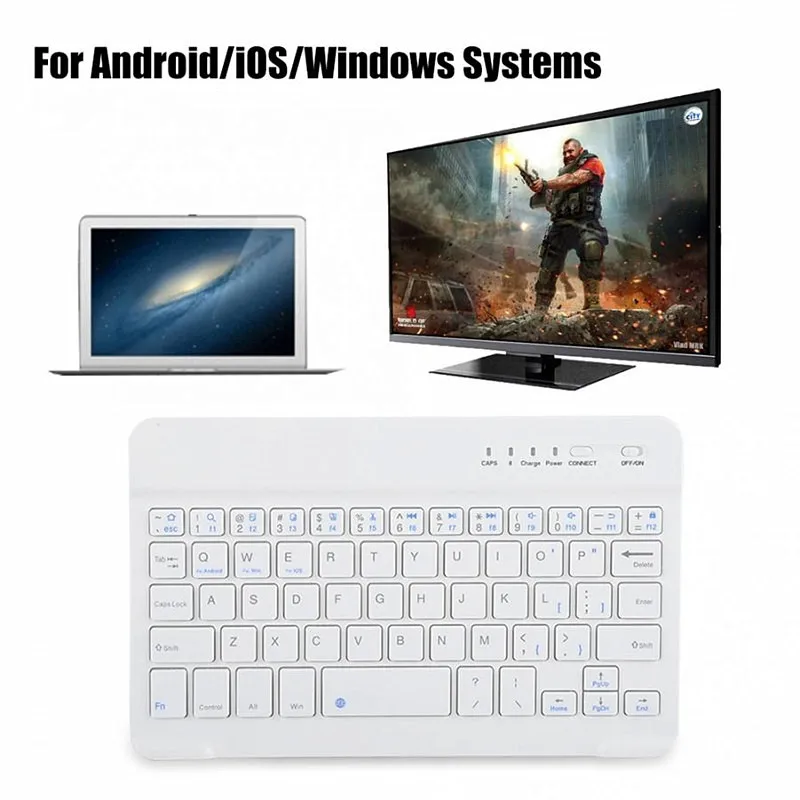
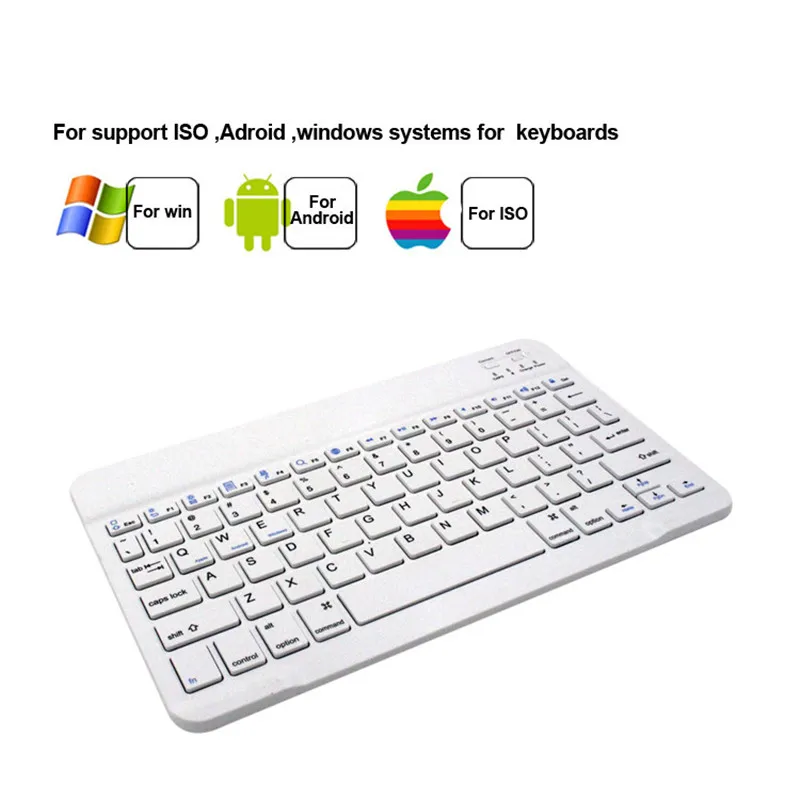
8. Compatible with Apple computers. All IPAD models, Apple systems, Microsoft systems, Android systems. No drivers required, as long as they have Bluetooth capabilities, they can be installed directly
9 . For tablet . mobile etc smart device
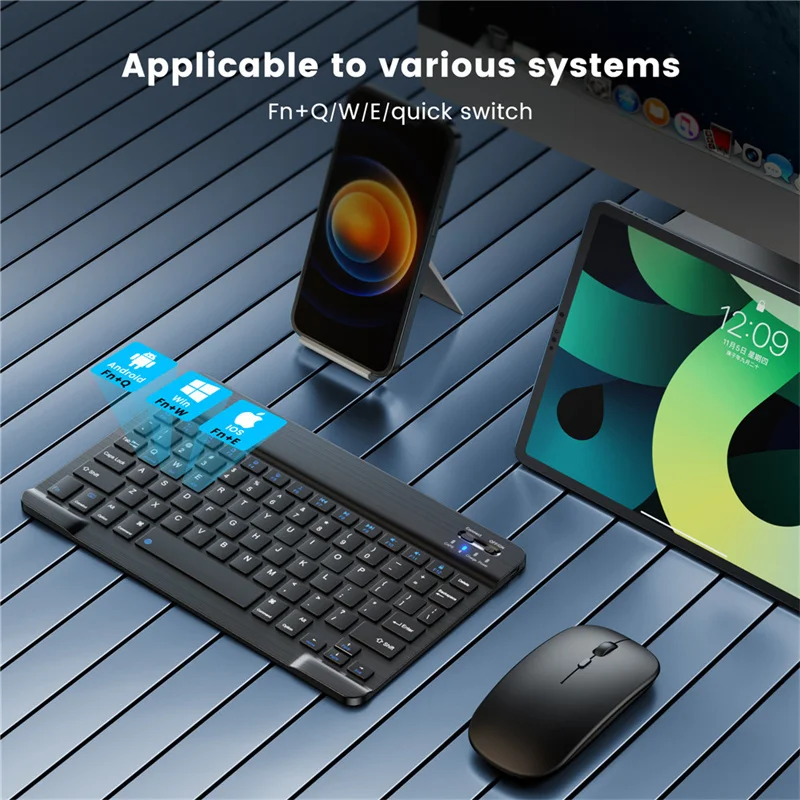
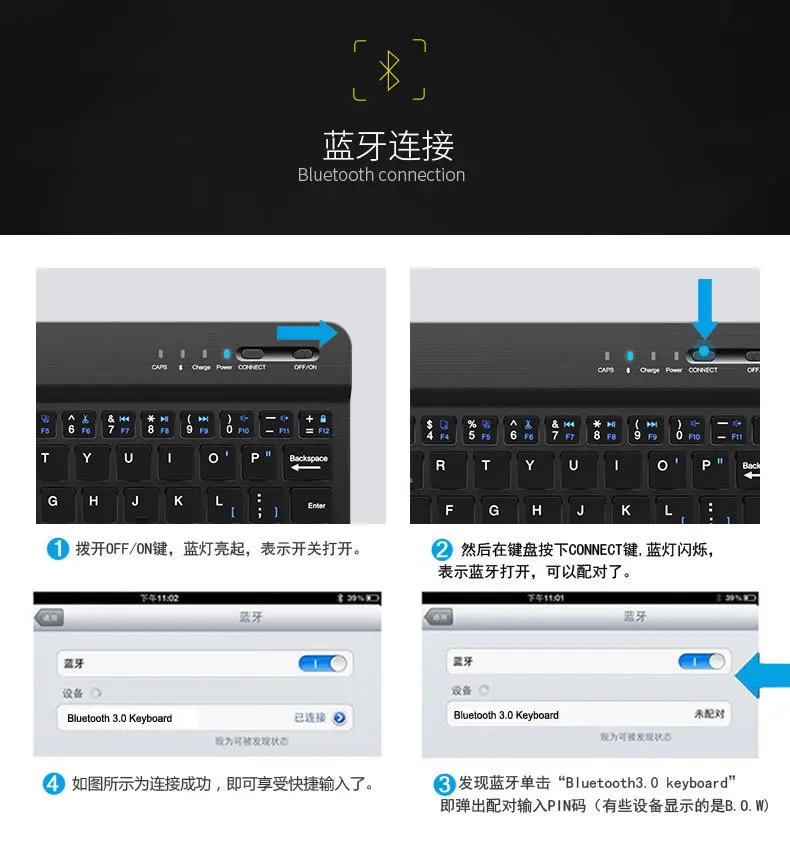
Bluetooth connection method:
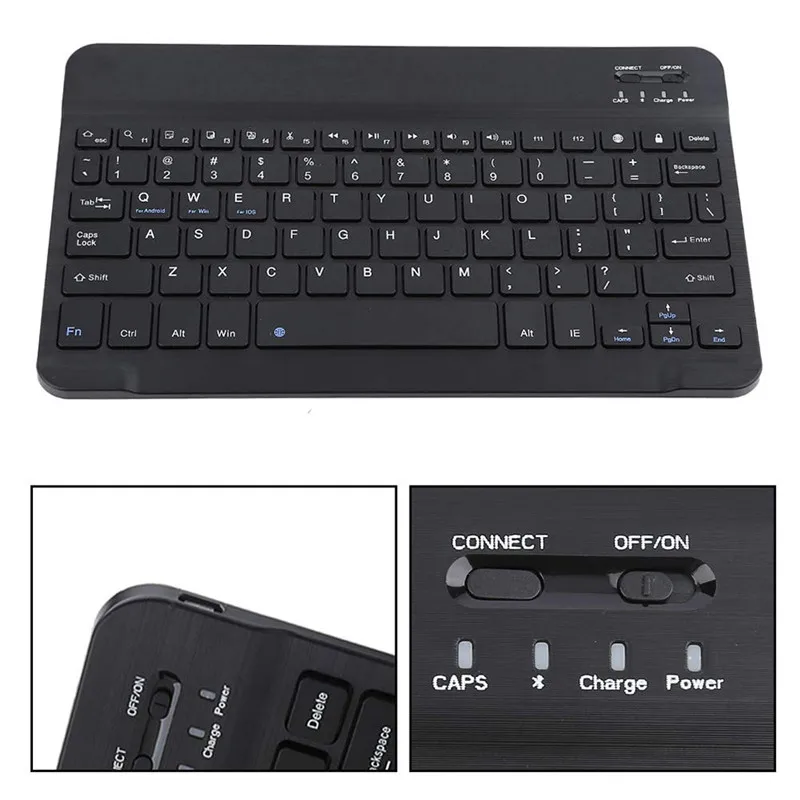
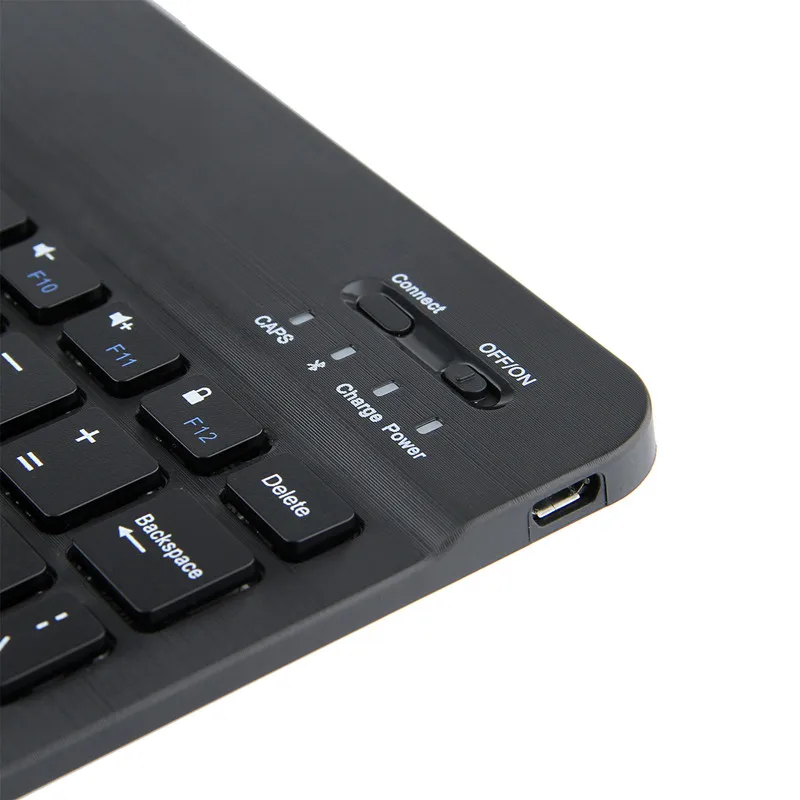
1. Turn on the power switch (ie, turn the switch from OFF to NO), it will light blue when the power is turned on normally (3 seconds left)
Right rear will automatically go out)
2. Turn on the power and then turn on the Bluetooth pairing switch Fn+C key, Bluetooth pairing, the indicator light will display blue light after the switch is turned on.
Flashing and flashing, this means that Bluetooth can be paired and connected.
3. After the keyboard Bluetooth is turned on, then the Bluetooth on the machine is turned on (usually in the settings), the Bluetooth of the machine
After opening, search for Bluetooth on the Bluetooth keyboard (generally display bluetooth Keyboard English). Then click on the connection.
(Do not lose the pairing password), if the connection is successful, it will show that you can use the Bluetooth keyboard when connected. If you are prompted to connect unsuccessfully, you can follow the steps again.
Packing List Keyboard
1 x Bluetooth Keyboard(include battery)
1 x Usb Cable
Packing list Mouse
1 x Bluetooth & 2.4G Mouse(include battery)
1 x Usb Cable

About Us
1. Welcome to our store! We are a professional worldwide wholesale company. High product quality, reasonable prices, excellent customer service and a reliable credit standing is our tenet.
2. If you like our products, please add my shop to your 'My Favorites' list.
3 Our products are directly sold by the factory and the quality is guaranteed;
If you buy a lot of products, please feel free to contact us, I will give you more discounts;
We do the drop shipping!